- Refined Compose
- Posts
- Still trying to keep up with AI? Same.
Still trying to keep up with AI? Same.
A curated list of the most interesting AI tips, tools, and tricks I've found lately

Constantin Ginga
March 31, 2026

It’s been over a year since I last sent a newsletter post. Like many of you, I’ve been busy trying to keep up with all the changes in the AI world…and A LOT has changed in this past year.
It’s no longer interesting to write about building with AI or documenting the process. Anyone can now subscribe to Claude Code/Codex/Cursor and just start building.
Everyone has access to the same tools, but not to the same resources. Tips and tricks on using AI, different skills, prompts, and techniques are scattered across the entire internet - Random X (Twitter) replies, Reddit posts, blog posts, and YouTube videos.
You have to be chronically online to catch this stuff. I am on it 24/7 and still probably miss 80% of it. It’s exhausting, like another full-time job.
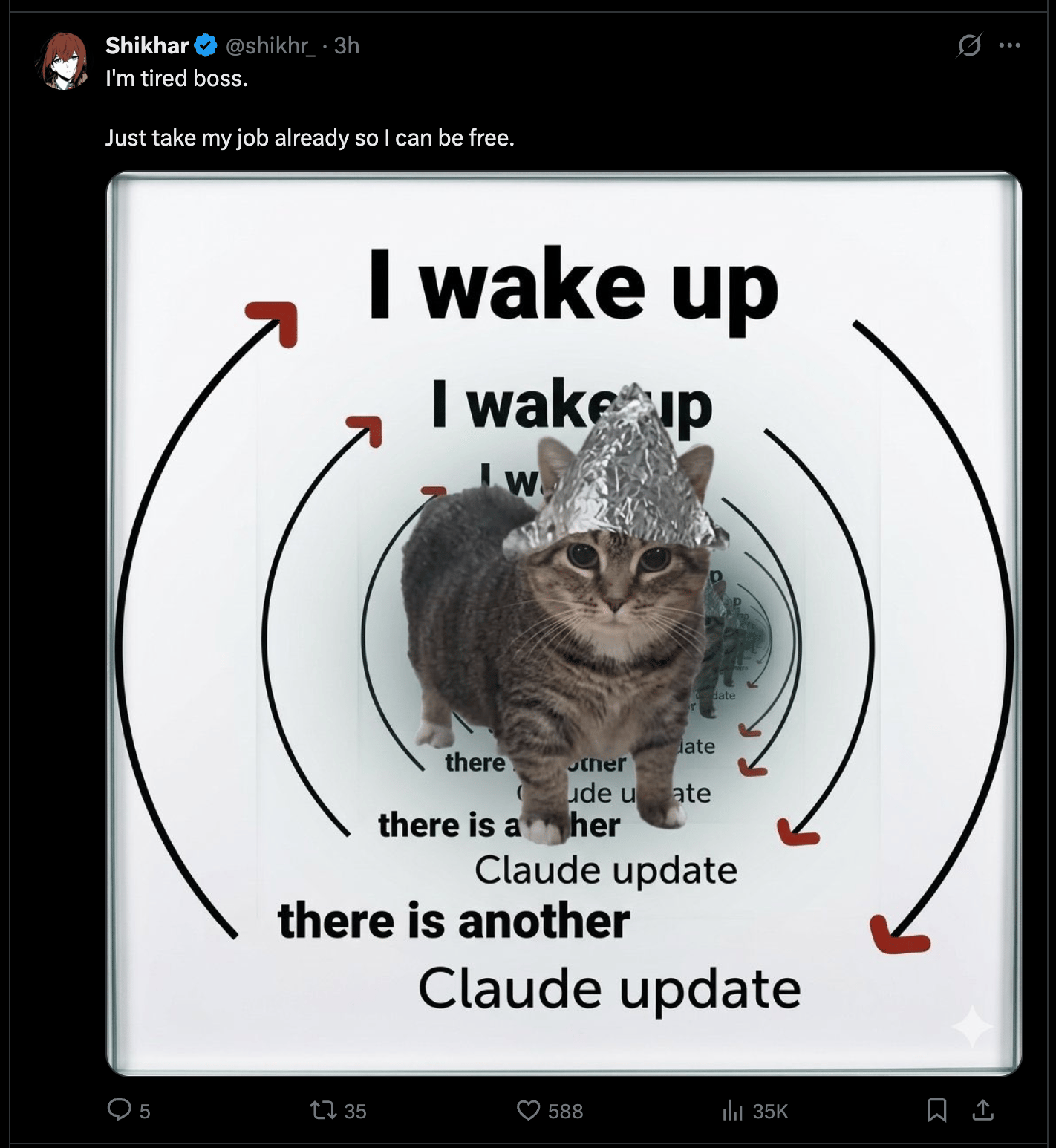
How it feels to be a developer now
So many people feel out of the loop and I empathize with that. It’s not easy to keep up.
All of this led me to revisit this newsletter. I want to centralize the most interesting AI updates and news into a short, easy-to-digest format. So you can avoid spending your life on Twitter and still get the most juicy info.
Enough backstory! Here are some recent AI tips that you can implement and use today.
AI news & updates
Codex 🤝 Claude Code
You can now use Codex within Claude Code! This is very useful if you’re subscribed to both. Claude is much better at UI stuff, Codex wins for long-running tasks and deep work.
Never hit rate limits again (maybe)
There’s been a lot of drama recently around Anthropic reducing the usage on Claude Code - Horror stories of developers paying $200/month only to hit the weekly limit within 5 prompts.
Personally, I haven’t experienced this. However, these AI labs won’t heavily subsidize tokens forever (did you know a $200 plan gets you ~$5,000 in tokens??).
We need to get better at managing tokens. Here are some tips you should learn asap. This applies to all AI models and harnesses, not just Claude Code:
Use Claude Code from your favorite messaging app
Recently, Anthropic made it possible to use a local instance of Claude Code outside the terminal. It’s like a simpler OpenClaw alternative. You can now use it in Discord, Telegram, or iMessage.
This opens up some interesting opportunities:
You can go touch some grass and ask Claude to build something from Telegram.
Create your own intern and invite them to a group chat with your client/friends and build something together.
Run it on a VPS, give it view access to your analytics, payments, etc. and get a summary every morning in iMessage.

Me attempting to use Claude Code as an intern
Your imagination is the limit here. You can ask it to summarize all messages, turn it into a PRD and write it into Notion. You can tag it and ask to implement the changes and submit a PR (since it’s running locally on your computer and has access to your projects). And so on.
How secure is your vibe-coded app?
We all know a big problem with vibe coding is security. Models are getting better, but they can still leave critical security gaps.
Here is a small prompt I found somewhere that will audit your app and provide solutions:
Generate a full threat model for this codebase using STRIDE. Identify assets, trust boundaries, attack surfaces, and potential abuse paths. Then run an OWASP-style security sweep across the app, APIs, and services based on that threat model. Report findings in descending severity and suggest mitigations.For iOS developers
If you’re building iOS applications, you know one of the slowest parts is designing the App Store screenshots.
Adam open-sourced a skill that automates this. It asks about your app’s features, then designs amazing screenshots with Nano Banana Pro.
The skill that started it all
This one is old, but I feel like it’s important to bring it up. If you are using Claude Code (or anything else for that matter) and don’t use the front-end design skill, you are missing out. The difference is crazy.
A game changer for UI/UX designers
Designers are now moving away from Figma in favour of Claude Code. I’m not a designer, but watching this video to see the process from a pro is fascinating. I’ve learned a thing or two for my own workflows.
Wrapping up
These are the most interesting things I’ve bookmarked the past few weeks. If you found anything cool on your own, please reply to this email! I would be happy to share it in the next post.
Let’s accelerate together.