- Refined Compose
- Posts
- Building an app with your voice & Cursor 0.41 update
Building an app with your voice & Cursor 0.41 update

Constantin Ginga
September 21, 2024

Hi,
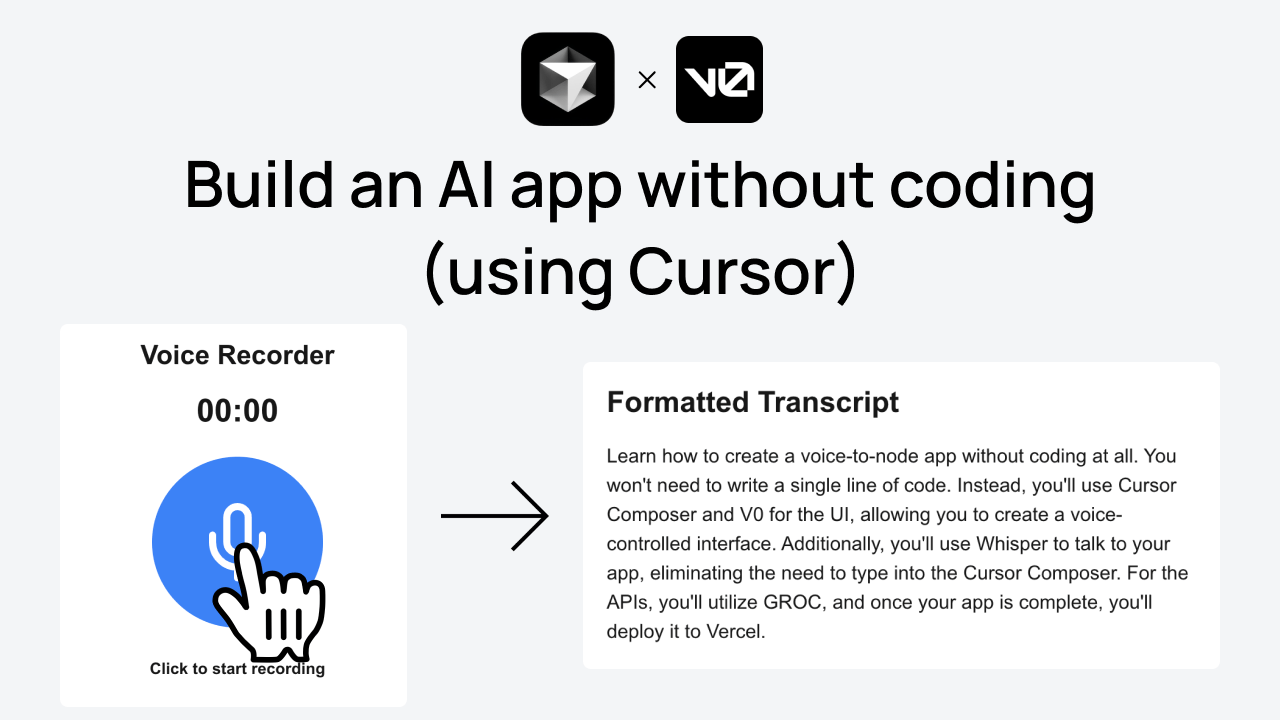
Last week, I was wondering if I could create a small app without writing any code. So, I did a fun experiment and recorded the whole process.
Building an app without coding
In 30 minutes, I built an AI voice-to-transcript app, using only my voice, Cursor Composer, and v0. You can see it here:
Here’s what you need to do the same:
Cursor Composer
v0 (free tier is good enough)
Make sure to start out with a small project (1-2 features), then expand it. To help you out, you can describe the idea to Cursor and ask it to scope it down/extract the essential features.
If you built something cool, reply to this email with a link. I’ll make sure to include it in the next newsletter issue!
In other news, Cursor just released a new version.
Cursor 0.41
The new update is mostly about Composer. Here are the main things you need to know:
Checkpoints: Roll back to previous versions of your project in Composer.
Composer Notepads: A space to write your thoughts and mention files; Notepads can be referenced in the AI Pane.
Ability to add multiple images per request.
Composer can now be added to the AI Pane.
Performance and UI improvements, stability fixes.
Some other changes from Ian working on Cursor:
tiny details you might've missed in @cursor_ai v0.41.x:
- multi-image support in chat/composer
- escape to close composer (cmd-i again to blur)
- composer diff-view is now editable
- (beta) pop control panel into its own window— ian (@shaoruu)
11:11 PM • Sep 20, 2024
So, that’s it for this week. As always, if there’s anything you’d like me to cover in the next newsletter issues, please get in touch!
Happy building,
Constantin